


Who would have thought that activating a personal hotspot on the iPhone wouldn't turn on right away, you even have to find out how to activate the iPhone hotspot with the words Carrier.
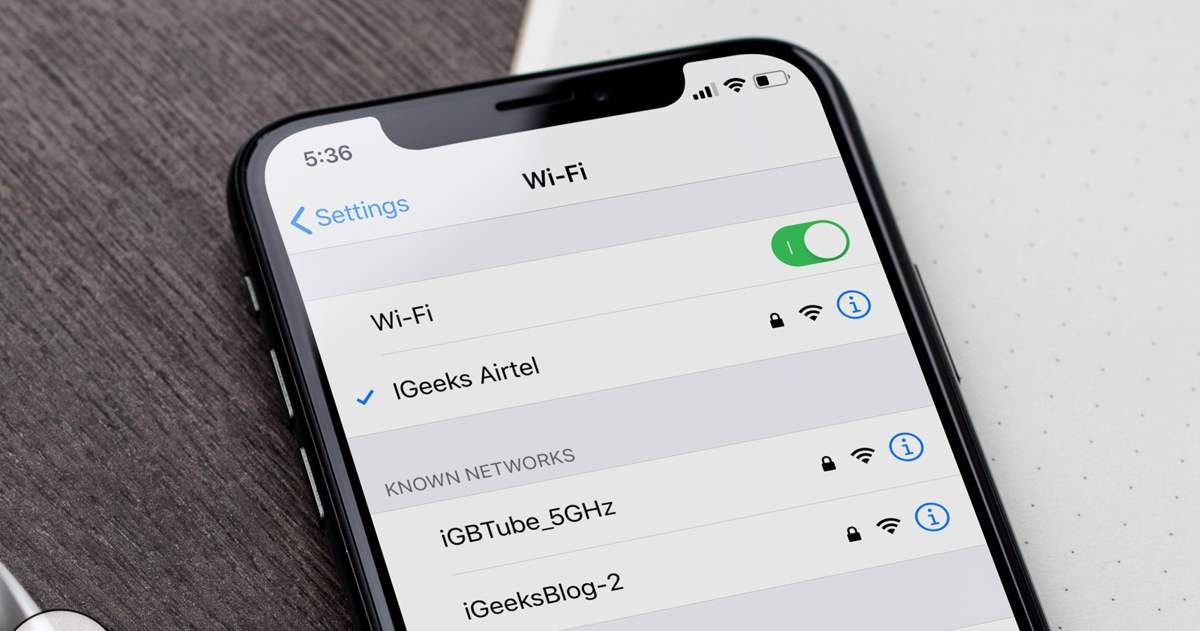
Before there was Carrier written on it, there was the sentence "Turn off cellular data so that all data is limited to only using Wfi, including email, web browsing, and notification notifications" continued below Carrier. For first-time iPhone owners, they must be confused why the hotspot can't turn on.
Not all of us have a connection on a laptop because sharing via a smartphone that makes it possible to share data connections is one of the important things when we use other devices.
How to Activate iPhone Carrier Hotspot
Well, setting up a personal Hotspot on iPhone might be different if we use Android. Next, we have to set the APN settings on the cellular iPhone that we have.
Iphone Setting Settings Please enter the Iphone setting settings menu that you have, there are several menus. Please look for the "cellular data" setting menu
Activate Cellular Data Next, activate cellular data by hovering the button to the right until it turns green. Do not immediately activate the personal hotspot because it cannot be activated immediately.
Cellular Data Network Settings Before going to the Personal Hotspot menu, you must first set it in the settings, there is a Cellular Data subenu, LTE settings and Personal Hotspot by entering a name in "APN" with the word "internet" For the username and password you must leave it blank .
Activate Personal Hotspot Your personal hotspot can be activated after you slide the button to the right side until it changes color to green. Please set your Password
Activate WIFI Personal Hotspot: Select the iPhone word for your wfi settings and enter the password you entered Bluethoot: You can pair your iphone to your computer with the bluthoot that the computer displays from iPhone USB Cable: Connect your iphone with a USB cable to the network in your settings .
Please try to set up a private hotspot. Hopefully this little bit of information can be used as a reference for those of you who just have a new cellphone from Apple.
Some users have complained about the loss of personal hotspot tethering settings on the iPhone they are using, especially on the latest version of iOS. I also experienced this when I updated the iOS version and was surprised that the hotspot settings were missing.
So it turns out that this is very trivial, which is caused by inaccurate cellular network settings or something missing after updating iOS or changing the sim card. Hence from that, usually the information "contact the carrier" or "To enable personal hotspot on this account, contact carrier" appears.
Well, it turns out to be quite easy to fix it, namely by adding APN settings and activating cellular data. For more details, see the following article…
Resurfacing iPhone and iPad Personal Hotspot
There are several stages so that the personal hotspot reappears and can be used normally, just go from the first stage...
1. APN settings
If the hotspot settings are lost after an iOS update or changing the network sim card to a different operator, it's usually caused by missing or incomplete APN settings.
So we have to fill in the APN first, the fields that must be filled are
APNs
usernames
Passwords
it's easy,
Bring up the Missing iPhone iPad Hotspot Settings
First go to Settings > Cellular > Cellular Data Network.
Then fill in the APN, Username and Password fields in the Cellular Data, LTE Setup and Personal Hotspot sections according to the APN used by each operator.
The following is a list of APN lists for all operators in Indonesia (fastest and most stable)
1. Telkomsel
APN : telkomsel
Username : wap
Password: wap123
2. Indosat
APNs : internet
Username : gprs
Password: im3
3. XL
APN : www.xlgprs.net
Username : xlgprs
Password: proxl
4.Axis
APN : AXIS
Username : AXIS
Password : 123456
5. Smartphone
APN : smartfren4g
Username : smartfren
Password: smartfren
6. 3 Threes
APN : 3data
Username : 3data
Password : 3data
Finished!
how to enable hotspot on iphone and ipad
If you have set an APN, the personal hotspot menu should appear in your iPhone or iPad settings. If you can't use it, please proceed to the next method.
2. Enable Cellular Data
In order for iPhone hotspot settings to be clicked and activated, of course cellular data must be active and have sufficient internet quota.
how to activate iphone cellular data
How to activate cellular data can be through the control center.
Or via Settings > Cellular > Cellular Data.
3. Reset the Network If the Hotspot Menu Hasn't Appeared
how to reset iphone network
If the hotspot menu still doesn't appear or can't be used, please reset the network
References:
https://wigatos.com/20263-cara-setting-hotspot-iphone/
https://wigatos.com/20287-cara-setting-smart-tv-samsung/
https://wigatos.com/20332-cara-merekam-layar-laptop-windows-10/


