


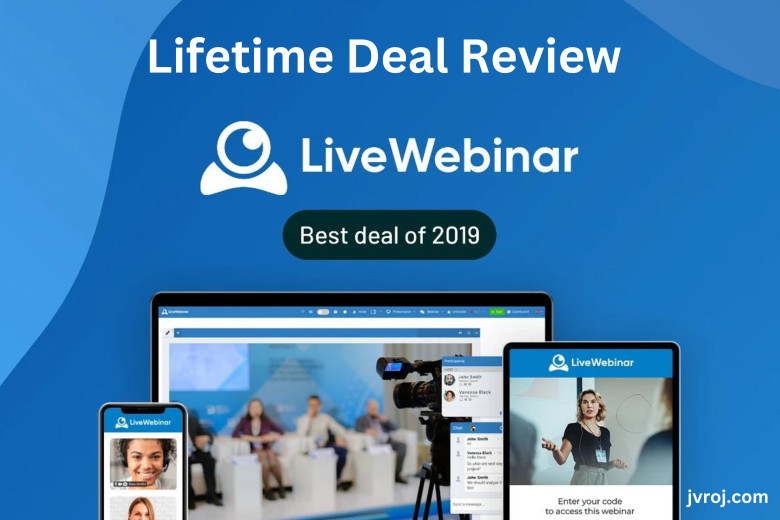
Webinars empower individuals and organizations to break free from geographic limitations and bring their expertise and ideas to a global audience. Hi, welcome to the LiveWebinar review.
Do you need help to plan a live webinar or event for your audience? Do you need help educating your audiences on how to make more money online?
According to projections, the global webinar market will increase from $472.6 million in 2020 to $1.1 billion in 2027—the Great Perspective Research. The conversion rate for webinars is 20%–40%, much greater than other material forms. (ReadyTalk)
The advantages of holding webinars are clear. If a platform enables you to host and make money from webinars, share documents securely, and communicate utilizing a cloud-based platform, how could it be?
Consider automating the scheduling of events or webinars, gathering lead information, and integrating your CRM to expand your clientele and increase revenue. Also, you can earn money by hosting a paid webinar for your audience.
LiveWebinar enables you to accomplish all of your business goals. Create and organize live webinars with LiveWebinar, invite participants, share screens, and engage the audience in conversation. In this LiveWebinar review, you learn more.
What Is LiveWebinar? And How Does It Work?
Businesses may manage webinars and online meetings with LiveWebinar, a cloud-based platform. Any sales, HR, or marketing organization may easily create online customer events thanks to it.
It lets users plan and host live webinars, invite participants, shares screens, and engages the audience in Q&A sessions, polls, and live chat. You may also record and replay webinars with LiveWebinar to share them with individuals who couldn't attend the live event.
Businesses can alter their logos, room colors, and layout designs to alter the branding of their accounts. Companies have control over email distribution and report styles and may create customized registration forms that adhere to their company's brand identification.
Organizations may measure their audiences' involvement, providing them with valuable data. Moreover, sessions may be HD-recorded and used later for analysis or as an Evergreen Webinar.
Businesses can use LiveWebinar as a potent tool to increase their customer base, interact with their audience, and generate more leads and sales. Companies can draw potential clients and position themselves as subject-matter experts by conducting webinars that provide helpful information.
LiveWebinar Review Pros And Cons
LiveWebinar Review In this part, I share the Pros and cons of this software. That will help you to get more information about this software. And you can make a better decision for your business.
Pros
-
It has a very user-friendly dashboard with beautiful UIUX.
-
Provide Email/Help Desk, FAQs, and chat support.
-
It has a very user-friendly dashboard with beautiful UIUX.
-
Provide Email/Help Desk, FAQs, and chat support.
-
Provide unlimited training or tutorial videos.
-
This tool gives you multiple language and payment options.
-
This tool provides an API integration option to connect this tool with other platforms.
-
LiveWebinar lets businesses add their brand, logo, and colors to their webinars to make them look and feel more professional.
-
LiveWebinar has various interactive features, such as live chat, Q&A sessions, polls, and surveys, which can help get people more involved.
-
LiveWebinar lets you host meetings on your domain and brand them in your way.
-
You can sell tickets to virtual events, run paid webinars, make money from your hobbies, and grow your business.
-
You can make meetings for different uses, so your classes, presentations, and conference calls will go well.
Cons
-
Live webinars need a stable internet connection, which isn't always possible in some places and can cause technical problems.
-
Time zone differences can make it hard to host webinars for people worldwide, so businesses may have to schedule webinars at inconvenient times.
-
I don't like some too small buttons because they can be hard to find, especially in a live meeting.
-
The integration process is complex, but the support team will help eliminate it.
-
No more bad things I found. And I'm delighted with this tool. Click LiveWebinar Review to find more cons.
How Does LiveWebinar Help You To Grow Your Business?
An efficient method for obtaining leads is through webinars. By hosting webinars on LiveWebinar, you may market your goods and services and draw in new customers.
Also, use webinars to instruct your audience and position yourself as a subject-matter expert in your field. You can expand your business more quickly as a result.
Webinar recording
You may record your webinars in real-time with LiveWebinar's recording feature and store them for later use. This functionality is crucial for companies and organizations who want to maximize the effectiveness of their webinars by expanding their audience and repurposing content in the future.
The webinar's audio, video, and screen sharing are all saved through the recording feature. You can download the recording later or keep it in the cloud. It enables you to use your material for various purposes, including lead generation, on-demand viewing, and training.
By reviewing old recordings of webinars, you can also raise the caliber of your content. You can make adjustments for future webinars by examining the tape to determine what needs to be modified, such as the tempo, the content, or the degree of involvement.
Additionally, it aids hosts in expanding their audience by enabling on-demand access to their content. It implies that those who missed the live webinar can still access the materials at a later date. The webinar's audience and influence grow as a result.
Presenters
You can invite numerous presenters to your webinars using the presenter's option, creating a more engaging and varied presentation.
Each presenter's login details and passwords can be distributed, allowing them to log into the webinar platform and participate in the presentation.
You can also control presenter permissions. It ensures that each presenter has access to the features and resources necessary for their particular role within the presentation. It improves presentation efficiency and lowers the possibility of mistakes or misunderstandings.
Also, it offers several collaboration capabilities, like a live chat function that enables presenters to communicate with one another and plan their presentations in real-time.
Yet doing so can help to guarantee that the presentation goes smoothly and that each presenter can offer their distinct points of view.
You can improve the presentation's overall quality and audience involvement with the help of customization tools like the ability to add presenter photos and biographies.
Registration
Create personalized registration pages for your webinars with the LiveWebinar registration tool. You can also gather vital data about registrants and manage your audience list.
You can modify forms using the registration function to match your company's look and feel.
It lets you add optional information, such as the attendee's name, email address, work title, and employer. It simplifies following up with and nurturing leads and provides useful audience information.
Also, you may manage and track participant registrations by sending follow-up emails, reminders, and confirmation emails.
Having them prepared to participate entirely in the webinar and interested and informed during the registration process helps to ensure attendees.
You can customize the registration component in several ways, including unique branding, visuals, and messages. That could contribute to a more polished and engaging registration procedure overall.


